Instructions
- Log in to AdobeSign
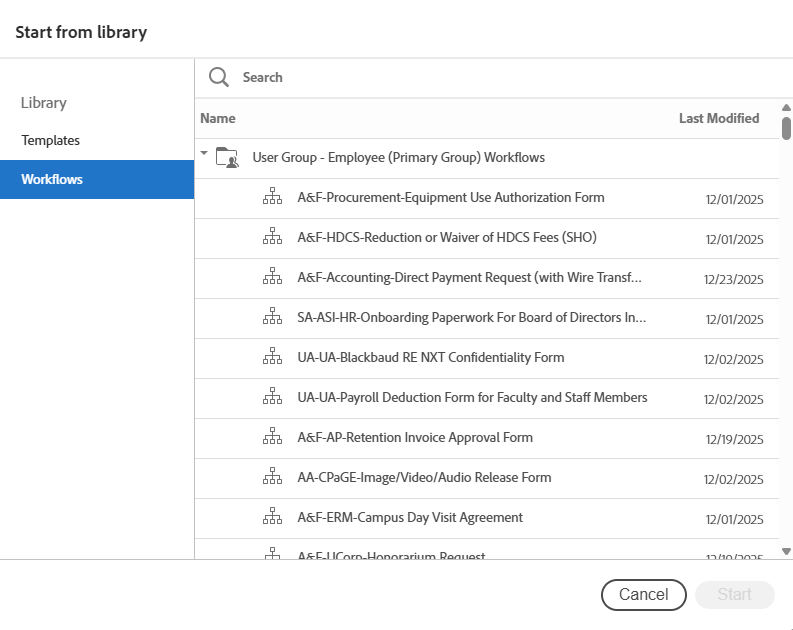
- On AdobeSign Homepage click "Start from Library"
- On the left side bar click "Workflows"
- Using the search function type "Accounting" to search for the University Accounting Services forms.
* All individuals including approvers and department contacts will need to have a AdobeSign account for this process. If you do not have a AdobeSign account, please go to AdobeSign and sign-in with your Single Sign on SFSU account.